

Sitelock Blog
WordPress Security




As the most popular content management system, WordPress provides exciting opportunities to develop content and attract visitors exactly as you see fit. Its unique blend of freedom and guidance may be compelling, but there's a definite downside: WordPress can be shockingly vulnerable to attacks.

WordPress salts are cryptographic tools that protect WordPress websites by making authentication cookies difficult to forge or steal. They build unpredictability into security keys, expanding on traditional password protection to better safeguard users and websites against risks like session hijacking.

WordPress powers hundreds of millions of websites, but even reliable platforms run into issues. From HTTP errors to white screen problems and indexing issues, these errors can disrupt your site quickly if left unresolved.

With over 810 million WordPress websites populating the World Wide Web, WordPress remains the most popular web hosting platform in existence. But while it’s true that WordPress is a quality and reliable hosting provider, that doesn’t mean that WordPress sites are immune to errors.
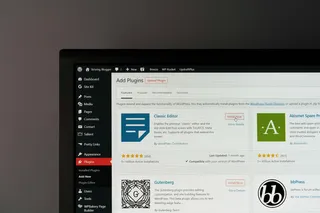
Of the nearly 2 billion websites that exist, 836 million of them are hosted via WordPress. WordPress has gained this enormous popularity thanks in part to both its reliability and ease of use. However, issues and errors with a WordPress site can still occur.

WordPress is the world’s most widely used content management system (CMS), but it's far from perfect. Users favor WordPress for its versatility and customization, but poorly configured or managed sites can experience downtime. Even seemingly well-run websites can become inaccessible without warning, leaving administrators scrambling to identify the cause. As one of the most popular CMS platforms available, WordPress is also a frequent target for cyberattacks, which can further increase the risk of outages.
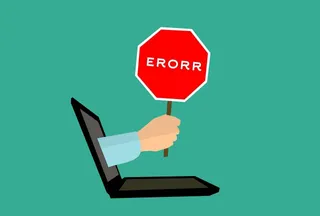
One of the most common errors that users encounter online is an error called "Error 404 not found" — and if you've spent very much time at all browsing the internet, then chances are you've seen this error before.

400 Bad Request errors are a common HTTP error that WordPress website owners encounter. If you want to prevent downtime and keep your WordPress site running smoothly, knowing how to fix these and other common WordPress errors is key. While the error is returned by the server, it is most often triggered by a problem with the request itself, making it a client error related to malformed syntax, invalid data, or other client-side issues. If left unresolved, these errors can lead to user frustration and a poor user experience.